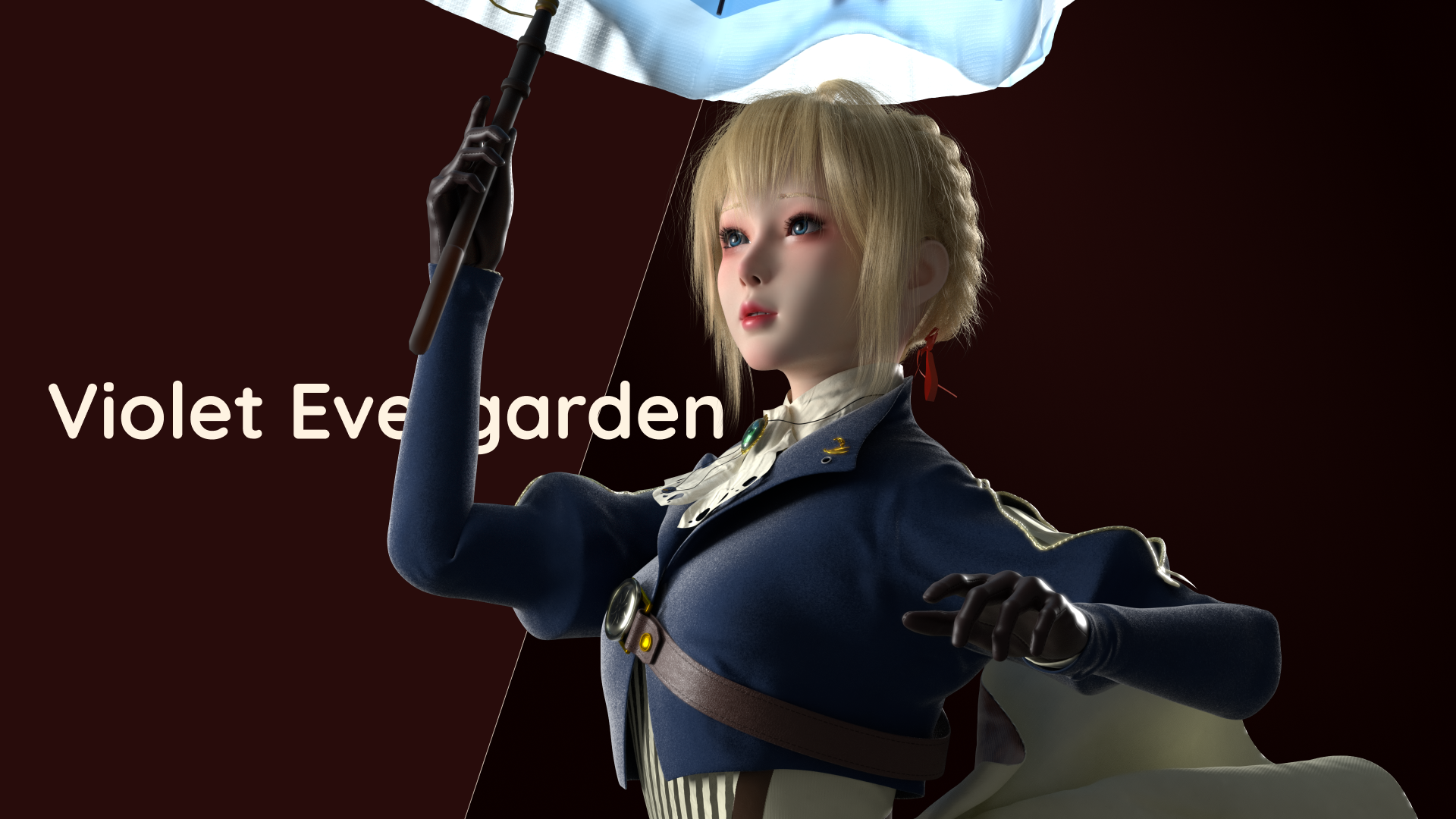
Maya to Houdini USD pipeline
Why?
For a long time I feel suck about interchanging data between CGI DCCs with FBX. It got so many ‘implicit rules’, if you make a mistake in a certain step, your character explode in another DCC. And also in animations, you need to ‘bake animation’ before you export it in maya 😐. For god sake it is too inconvenient. FBX no longer fit the workflow nowadays, let’s put it in the trash bin, embrace USD then.
Export a rigged model
Let’s use this umbrella rig as an example.
For me I usually organize my rig like this.
- The top layer group
- Controller group
- Joint group
- Mesh group
- …
Select the Joint group and the Mesh group, and Export Selections.
In the export option tab, ( you see there are far more less options comparing to FBX export, and far more explicit as well. )
So here need to change a bit.
- This is not very important. As this property is remaked in Houdini as an detail property. But I’d like to change it into Catmull-Clark.
- This is important. For we need this USD file to contain skin cluster infomation.
- As we export our rig file and animation file separately, we can uncheck this option.
You can leave the rest of them by default.
One more thing, if your maya file contain references, and you may want to strip the namespace when you export it, uncheck this option in Advanced.
Export animation
Good, now you can key your animation and export it with USD.
Basicly the same, but this time you just need to select the Joint group. Then export selections. Good news everyone, no bake animation any more! Just export it.
Also change the options a bit:
- This time, export skeleton ONLY, do not export Skin Cluster.
- Check on the Animation Data, and set your animation time span.
- Recommand you to uncheck the Include namespaces.
Export it and done. Animation would be automaticly baked on skeleton.
Houdini Import
So easy. Just thress USD nodes.
- usd skin import: use the rig.usd file.
- usd animation import: use the rig.usd file.
- usd animation import: use the anim.usd file.
Restrictions
Though it is very convenient now, but there are few defects.
No Blendshape
I am not saying USD file cannot export blendshapes, or blendshape animations. LOPs can receive and play skin cluster and blendshape animation perfectly. But currently you cannot import them into OBJs. That means if you want to animate with blendshapes and edit in Houdini, that route is not accessable right now.
By the way, if you want to export a model with blendshape, there are few rules.
- You need to select the blendshape node in node graph, along with your model. Or an error will be reported.
- No matter if it has skin cluster or not, you need to select Skin Cluster All when you export it in the option window. For the blendshape USD API is associated with skin cluster API.
Shader stuff
I haven’t tested the shade thing now, for I redo all of them in Houdini, so there is no shader in my Maya file. So if you encounter some issue in that aspect, you need to check the document.